Accessing
- Using your web browser, access one of the Markets Portal environments:
- Pre-production: https://portal.preprod.nemnet.net.au
- Production: https://portal.aemo.com.au/
- Sign in with the email and password provided by your Participant ID's PA. For help, see User rights access.
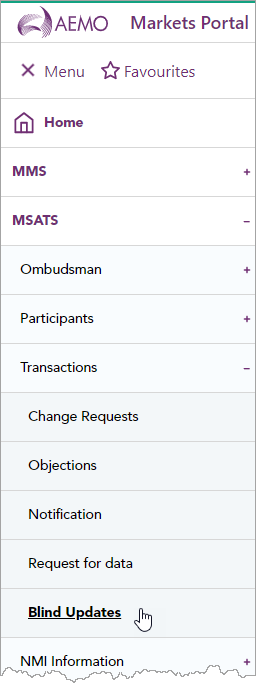
- In the menu, click Blind Updates.
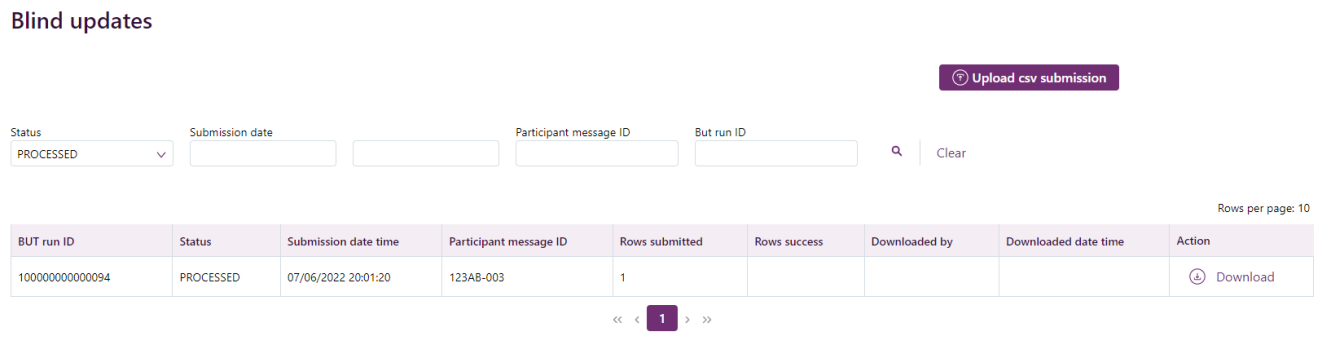
- The Blind updates interface displays where you can:
- Create a payload
- Upload a csv submission
- Download a submission response
- View and search for a submission