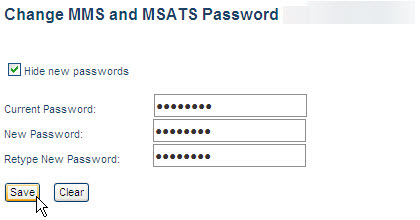
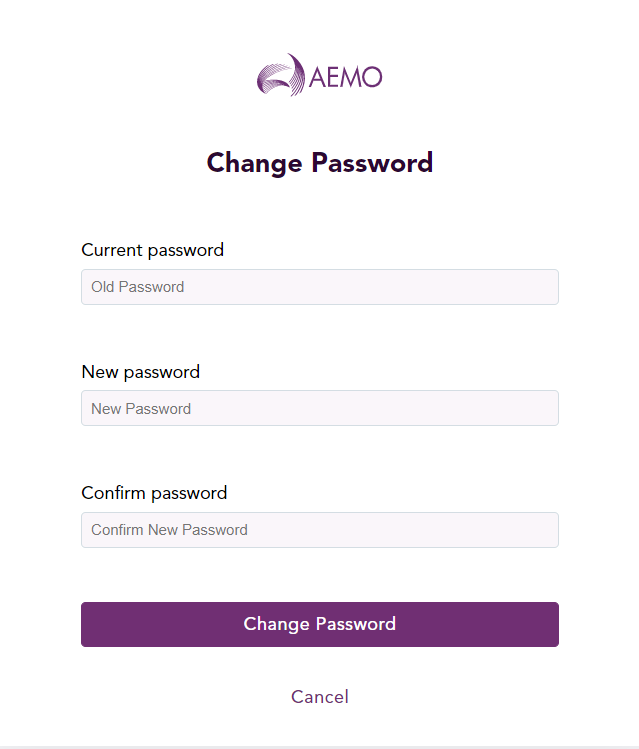
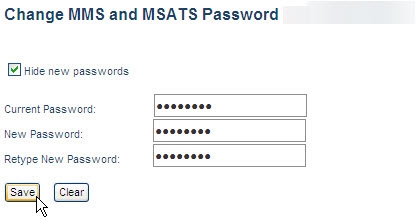
Changing your participant user password

Passwords expire every 90 days. For help with the password format, see Recommended Password format.

Your user ID and password are the same for MSATS Market Settlement and Transfer Solutions. The procedures published by AEMO under clause 7.2.8 of the National Electricity Rules, which include those governing the recording of financial responsibility for energy flows at a connection point, the transfer of that responsibility between market participants, and the recording of energy flows at a connection point. and EMMS Energy Market Management System (formerly MMS); software, hardware, network and related processes., so changing your password in one system, changes it in the other. Participants are responsible for managing their own passwords.

  1. In the Markets Portal, click the drop-down arrow next to your name and then click Change Password.
    The Change Password dialog displays.
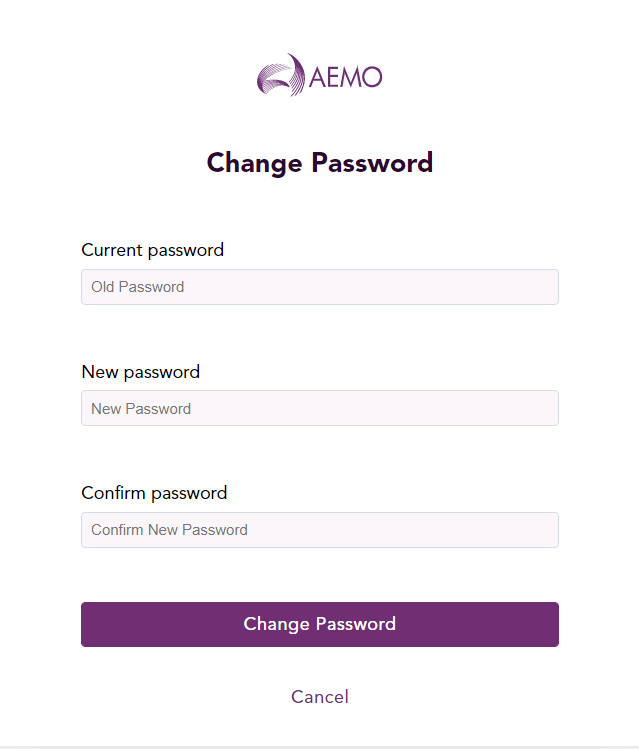
    Change Password
  2. In the Current password field, type the password you logged in with.
  3. In the New password field, type your new password. For help with the password format, see Password format.
  4. In the Confirm password field, type your new password again.
  5. Click Change Password. Your password has now been changed.
  6. Use your new password next time you login.