Viewing PM Offset
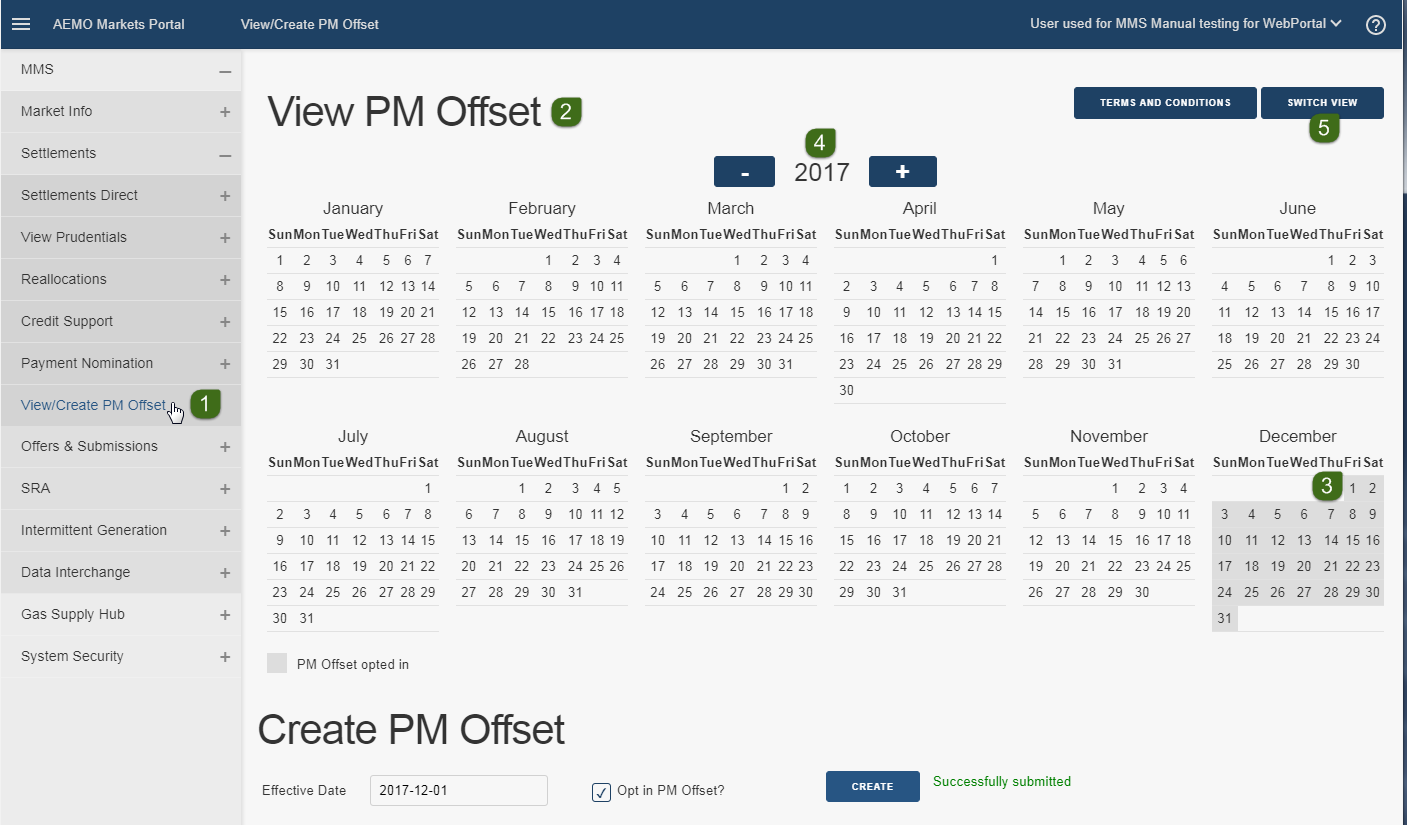
- Login to the Markets Portal and select MMS > Settlements > View/Create PM Offset.
- By default, the calendar view displays when you first login.
- The dark shaded areas on the calendar indicate your company is enabled for PM offset on those dates.
- To scroll through the calendar years, click the minus (–) and plus (+) buttons.
- To see the PM Offset list view, click Switch View (see PM Offset list view).
PM Offset list view
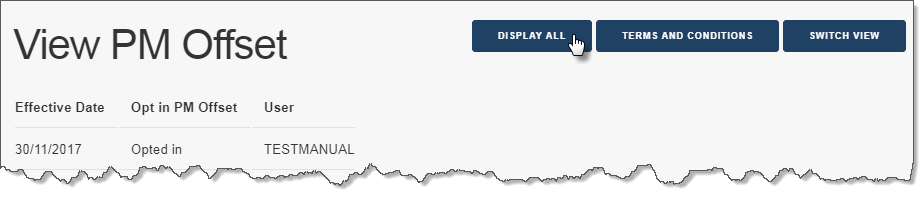
By default, this view displays the latest record effective from today, plus the next four future records effective after today.
You can also:
- Click Switch View to return to the calendar view.
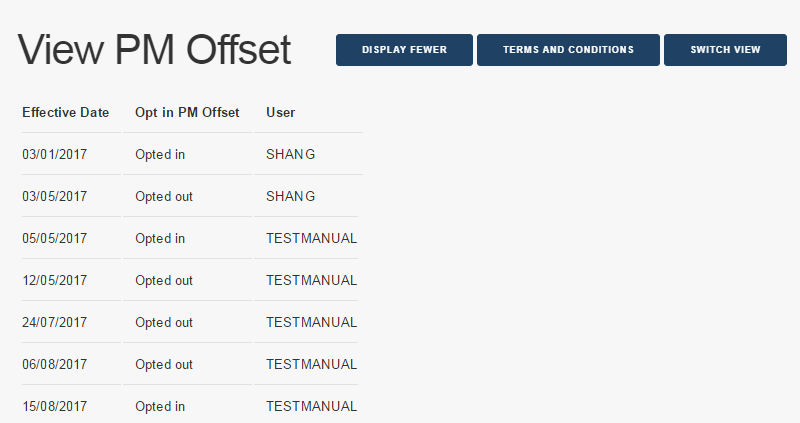
- Click Display All, to see more records (see Figure 45).
-
Display All changes to Display Fewer. Click Display Fewer to return to the default view (see Figure 46).