Manage exemption
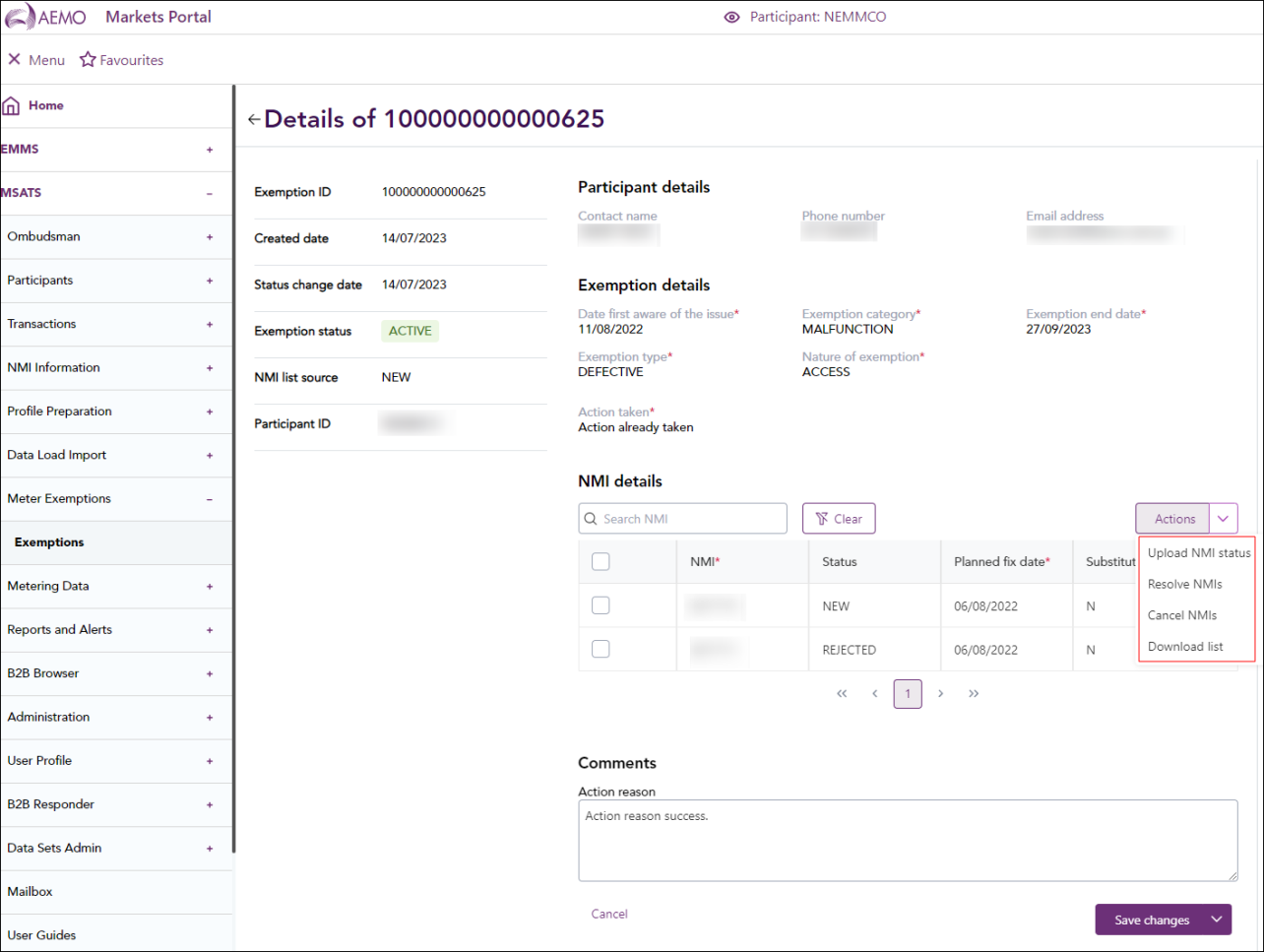
In the exemption details screen, the following options are available for managing an active exemption:
-
Resolve: Resolves the exemption and sets any unresolved NMIs to resolved.
-
Extend: Sends the exemption back for review. In the Action Reason field, include details of when an extension is needed and a proposed new end date for the exemption. The AEMO Australian Energy Market Operator reviewer updates the end date during the approval process.
-
Cancel Exemption: Cancels the exemption and sets any uncompleted NMIs to a cancelled status. On cancellation, a NMI See Relevant Rules or Procedures is included in a new exemption.
To manage an exemption:
-
In MSATS or Markets Portal menu, select Meter Exemptions > Exemptions.
-
Click the Validation ID in the exemptions list to open the exemption details screen.
-
At the bottom of the NMI details screen, click on one of the available actions Cancel Exemption, Resolve or Extend.
-
On the confirmation screen, click Yes.